Introducing QuickServer V5 and beyond
QuickServer is a powerful new automated image-processing hot folder software that sits on a server in your high-volume photo lab or studio quietly…
Watch NowQuickServer is a powerful new automated image-processing hot folder software that sits on a server in your high-volume photo lab or studio quietly…
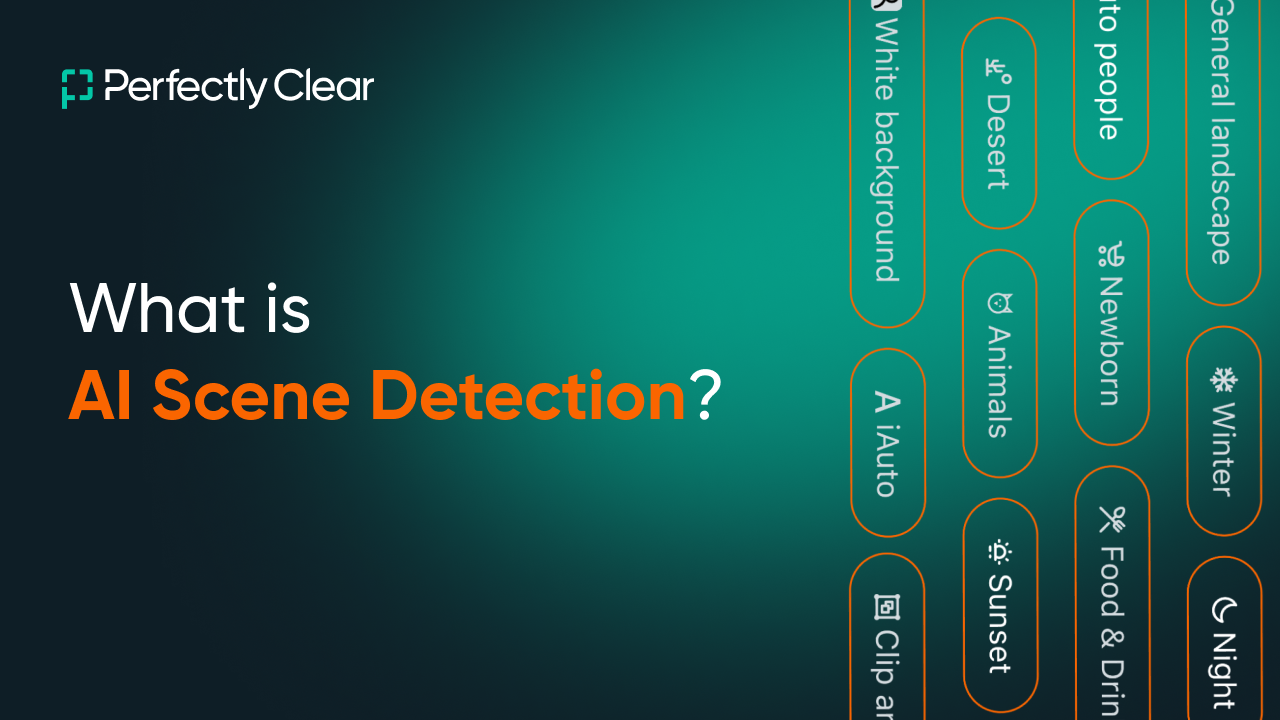
Watch NowLearn about EyeQ’s AI Scene Detection which uses machine learning to detect image scenes, categorize them, and then apply the optimal preset automatically….
Watch NowLearn how to fine tune presets to match your style and correction needs. You can tweak presets in our desktop software, Workbench versions…
Watch NowLearn how to save custom presets in EyeQ’s desktop software, Workbench v5 and beyond. Download Workbench here.
Watch NowLearn how to export presets in Workbench V5 and beyond, so that you can share them with others for testing or use them…
Watch NowIn this tutorial you will learn what is Perfectly Clear Workbench, how to use Workbench, and what’s new in V5 of the tool….
Watch NowIn this video, I’ll show you how to create new target channels in QuickServer (v5 and beyond). A channel is a set of…
Watch NowIn this video, we take a look at how to create hot folder channels and folder paths in QuickServer (v5 and beyond).
Watch NowJoin us for an exclusive webinar as we reveal Perfectly Clear’s latest advancements. Your time is invaluable, and we’re here to simplify your…
Watch NowSarah Lefebvre (Director of Marketing at EyeQ) and special guest David Crandall (Executive Director of School Photographers of America) chat about all things…
Watch Now